The same evening
Immediate backup
Three copies before I leave the location: the cards, the laptop and a drive that travels in a different bag.
Read this stage in full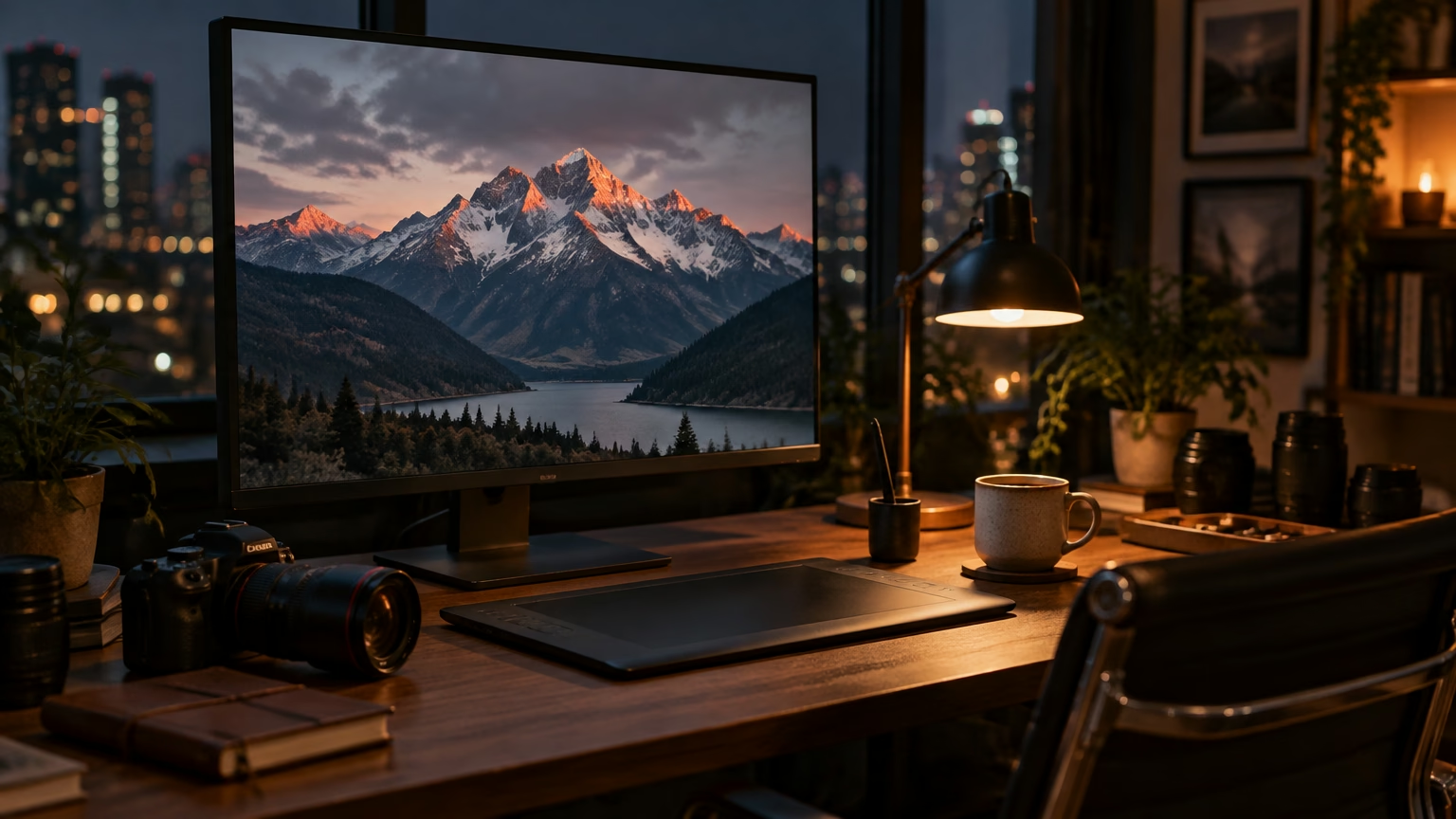
How I work
The stages of my work, the tools I use and the time each one takes: for a wedding just as for a ten-day trip.
A photograph is made before and after the shot. The shot itself is often the shortest part.
I always work the same way, whether it’s a wedding on the lake or a week in Iceland: I listen, study the place, pack my backpack, shoot, secure the files, select, edit and deliver. Below you’ll find each stage, with the time I give it and the tools I use.
At first contact
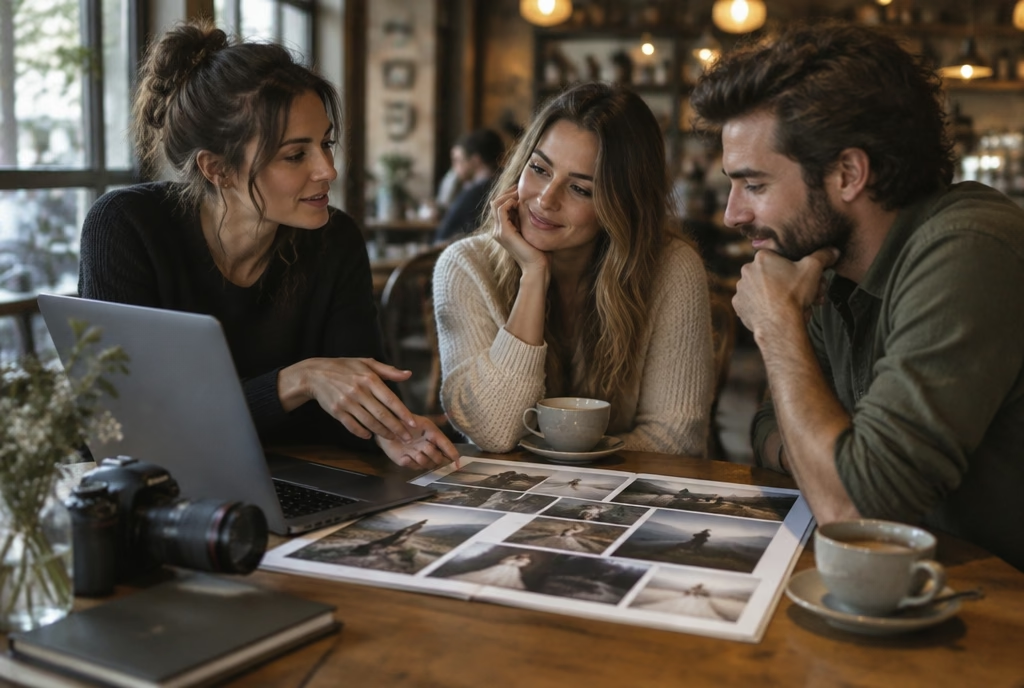
Before the photographs comes a conversation: what you need, what you like and what you want to remember twenty years from now.
Our first meeting takes about an hour, in person by the lake or on a video call. I ask how you picture the day, which photographs you like and, above all, which ones you don’t. I take notes by hand, in the same notebook I carry in the field.
Then I send you two complete galleries of similar work on Pixieset, not just the ten best shots: that way you can see how I work from start to finish. The quote arrives within two days, itemised line by line.
Tools
2–4 weeks before
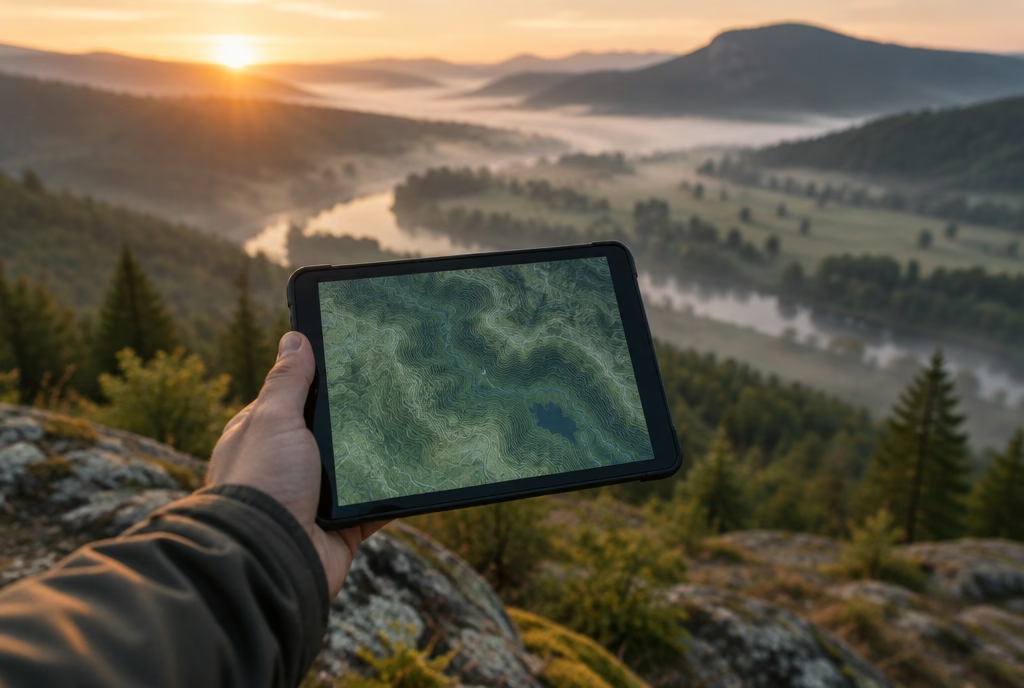
I study the place before I get there: where the sun rises, where the shadows fall, where I can fly and where I can’t.
With PhotoPills and The Photographer’s Ephemeris I work out where and when the sun, the moon and the Milky Way will be; with Google Earth Pro I check gradients, trails and viewpoints. For drone flights I check where take-off is allowed and apply for permits well in advance.
Whenever I can, I do a proper site visit at the same time of day as the shoot. For a wedding on the lake I go to the villa a week before, in the afternoon light, and mark the right spots on a map.
Tools
1–2 days before
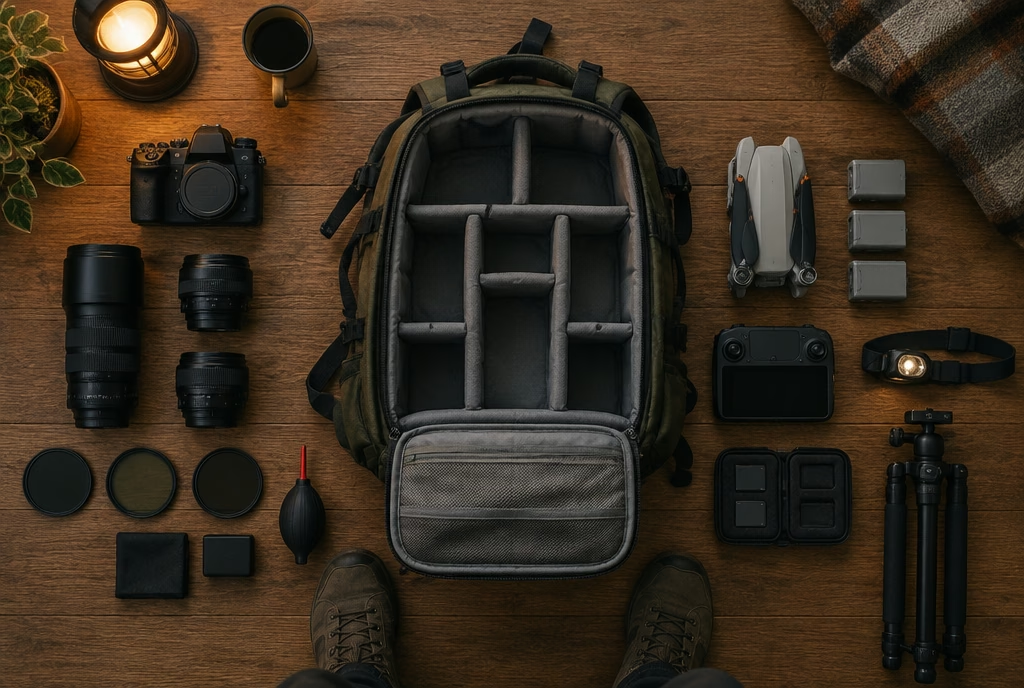
I pack my backpack two days ahead, without rushing: four hours’ walk from the car, there’s no going back.
Two days before, I charge every battery, format the CFexpress cards and clean sensors and lenses. My backpack is a 35-litre Shimoda Explore, always packed in the same order: I know where to find everything, even in the dark with gloves on.
The rest depends on the job: the Gitzo for landscapes, the Peak Design travel tripod when there’s a long walk ahead, the Lee filters for water and long exposures. I check the forecast three times and always have a plan B.
Tools
On the day
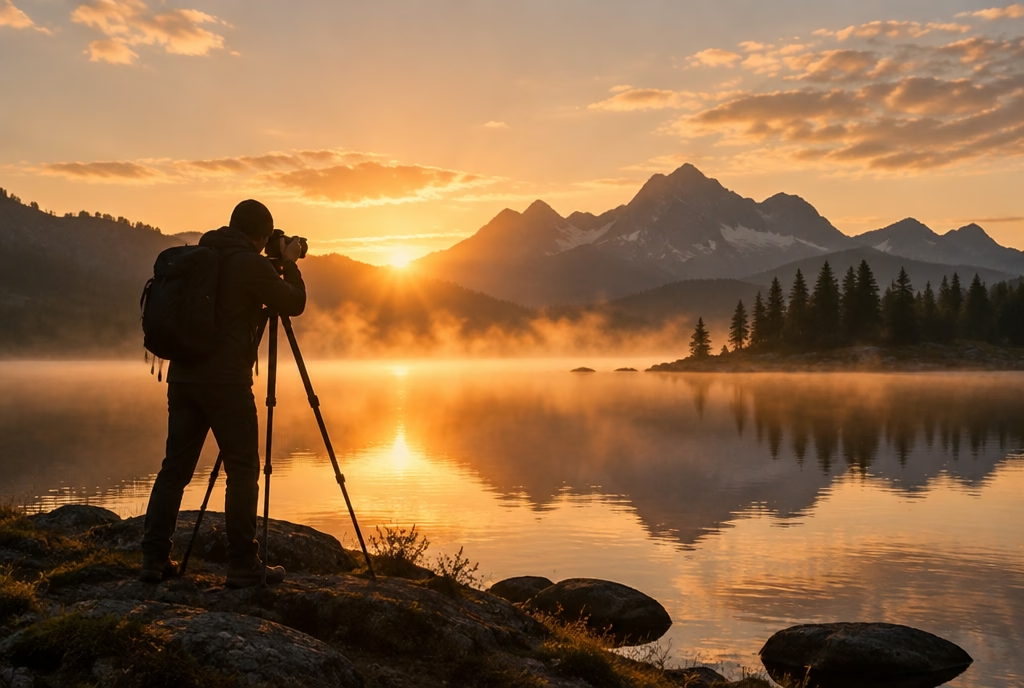
I arrive before the light and leave after it. In between, I shoot less than you’d think and watch a great deal more.
For landscapes the alarm goes off two hours before sunrise: I want the tripod in place when the sky starts to lighten. I carry two bodies, the Sony A1 II or the A7R V for detail and the A7S III for night work; the Mavic 3 Pro only takes off where it’s allowed.
At weddings I arrive an hour before everyone else and study the light in the rooms. In hotels and interiors I shoot tethered to a laptop with Capture One: the client sees every frame as we build it.
Tools
The same evening
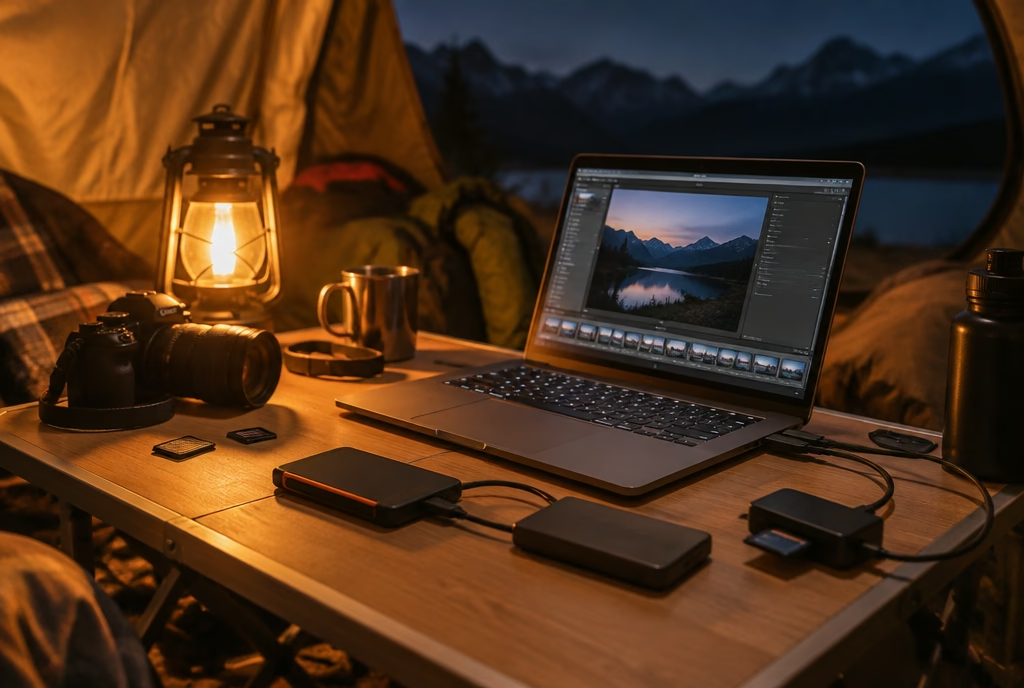
Three copies before I leave the location: the cards, the laptop and a drive that travels in a different bag.
That same evening, even in a tent or a mountain hut, I offload the cards onto the MacBook with Photo Mechanic, which writes a second copy to a Samsung P7 at the same time. I don’t format the cards until I’m home: they are the third copy.
The drive travels separately from the laptop, one in the backpack and the other in the suitcase, so a theft or a fall can’t wipe out a wedding. At home everything goes onto the Synology NAS and, overnight, to Backblaze: a copy far from home.
Tools
1–2 weeks after
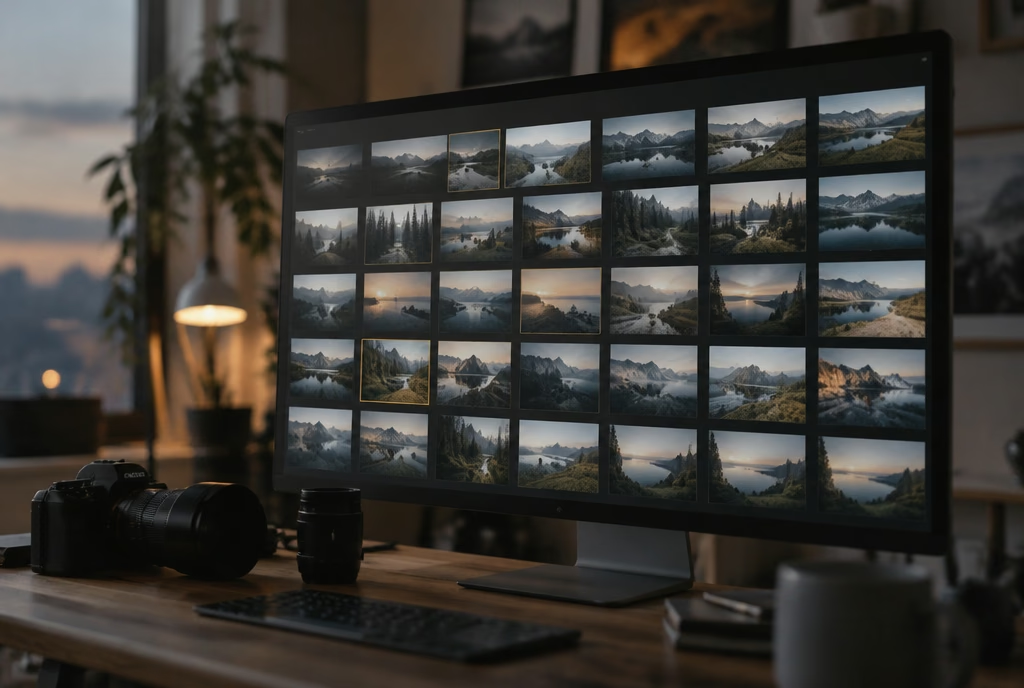
I choose in two passes, a few days apart: first I discard, then I keep only the photos that stand on their own.
The first pass is a quick one, in Photo Mechanic: I discard blurred frames, closed eyes and duplicates. The second comes a few days later, in Lightroom Classic, with a rested eye: I compare similar photos two at a time and choose the one that says more.
From a wedding I usually deliver between 400 and 600 images; from a ten-day trip I keep about thirty. The rest stay in the archive, but I don’t show them.
Tools
2–4 weeks after
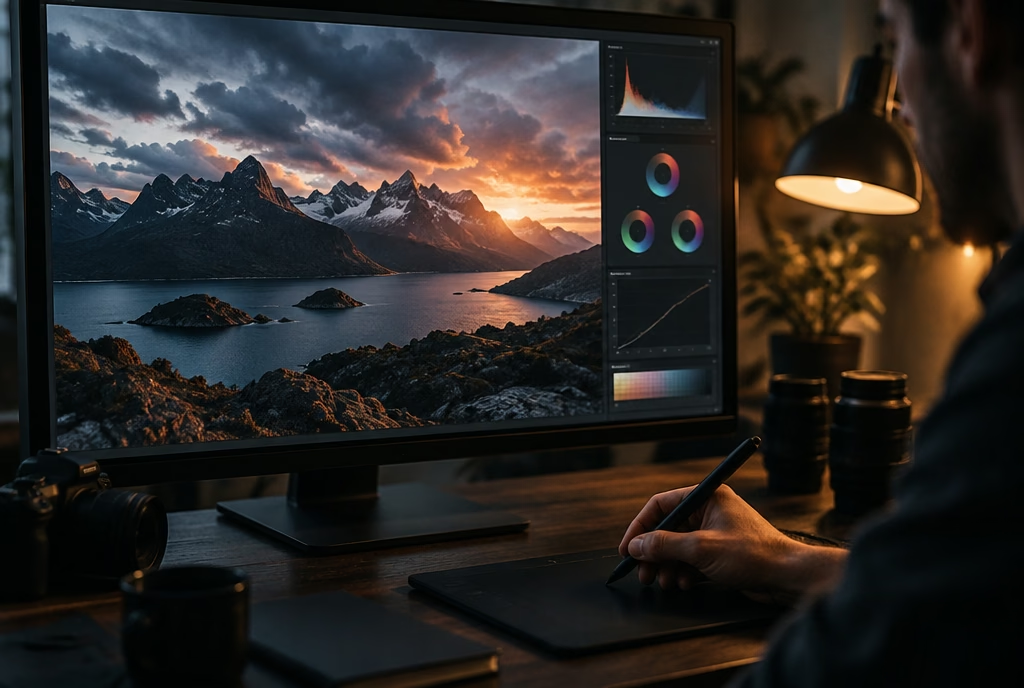
Colours true to what I saw, not to the fashion of the moment. I retouch lightly: I take away, I don’t add.
I process my files in Lightroom Classic on a BenQ monitor calibrated every month with the Calibrite: if the colour is right here, it will be right in print. High-ISO night files go through DxO PureRAW first; Pixel Shift files for large prints, through Imaging Edge Desktop.
In Photoshop, with the Wacom tablet, I remove only what distracts: a cable, a sign, a spot on the sensor. I don’t move mountains and I don’t add skies. I edit video in DaVinci Resolve.
Tools
2–6 weeks after
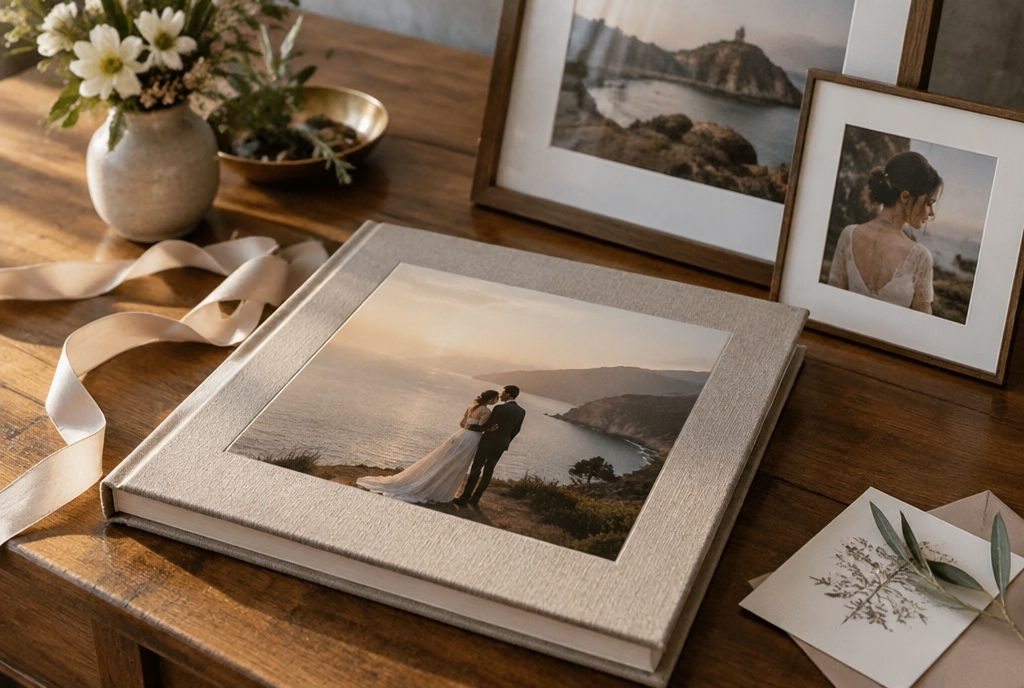
A private online gallery, high-resolution files and, if you like, an album or a print prepared by me.
The photos arrive in a private, password-protected gallery on Pixieset, ready to download in high resolution and in a web version. For weddings I send a preview within a week and the full gallery within six weeks.
I check prints one by one: a proof on Hahnemühle Photo Rag paper with the Epson SC-P900, an inspection in daylight, a signature on the back. The archive stays on the NAS and in the cloud for at least ten years: if you lose your files, just ask me.
Tools
Editing and colour
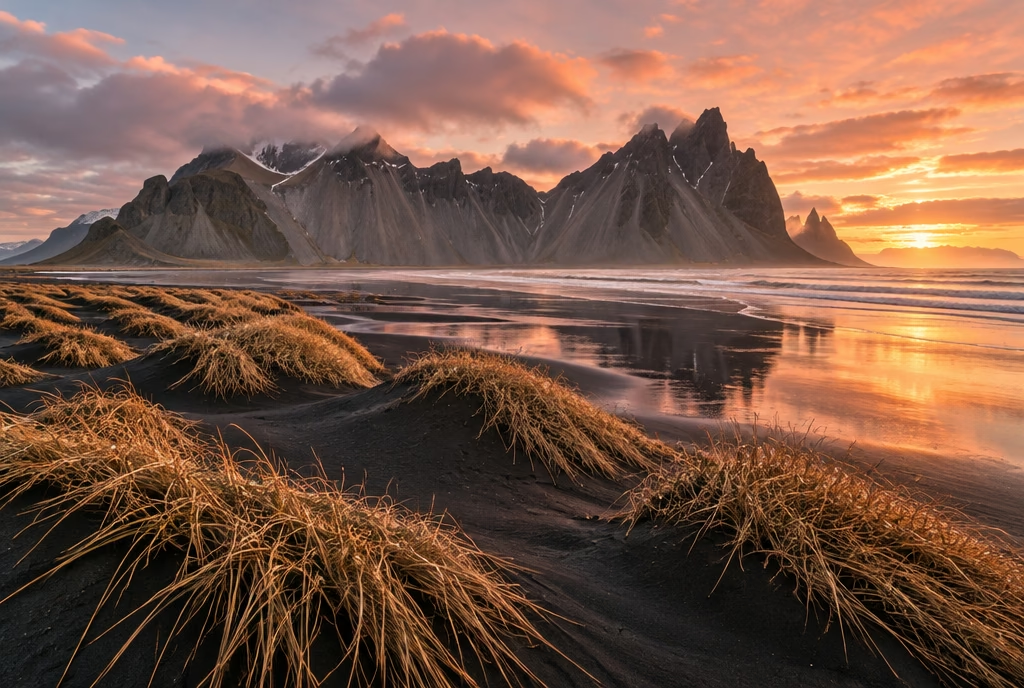
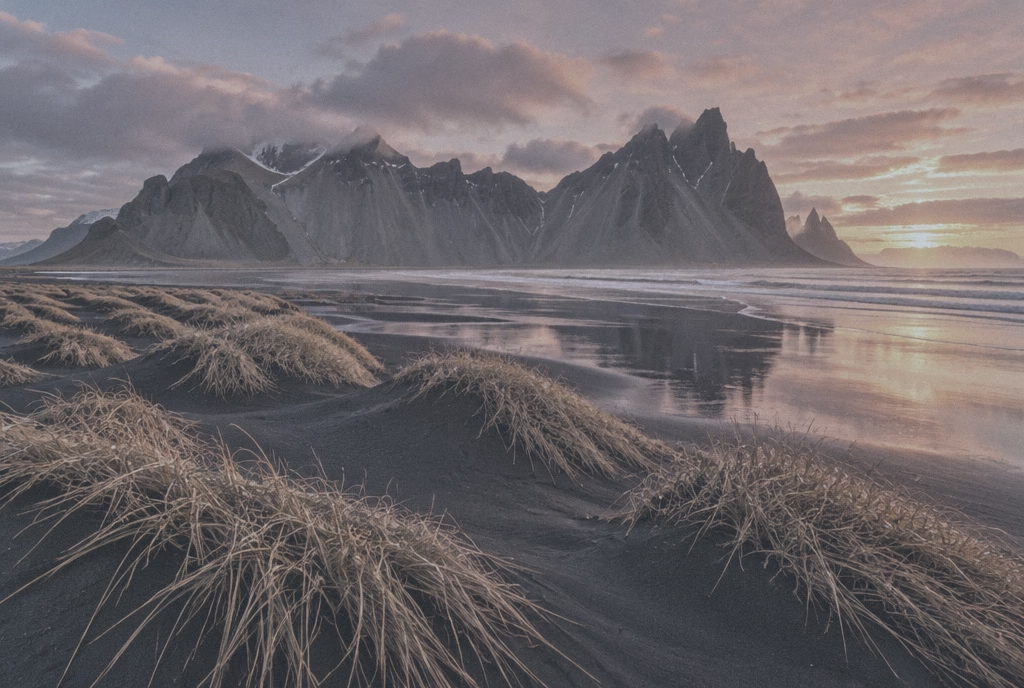
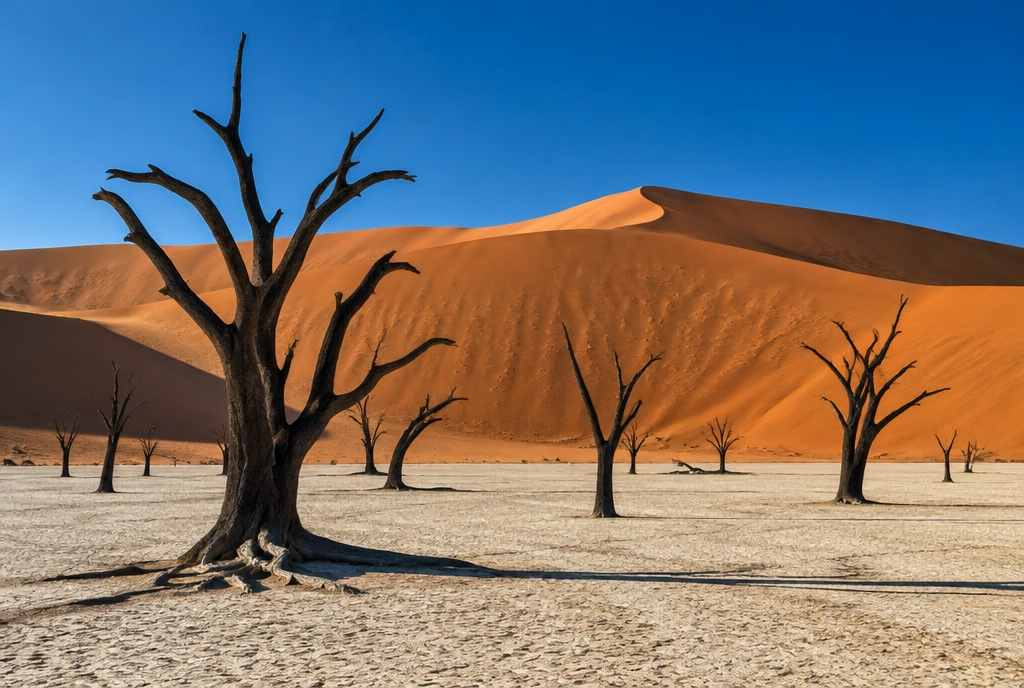
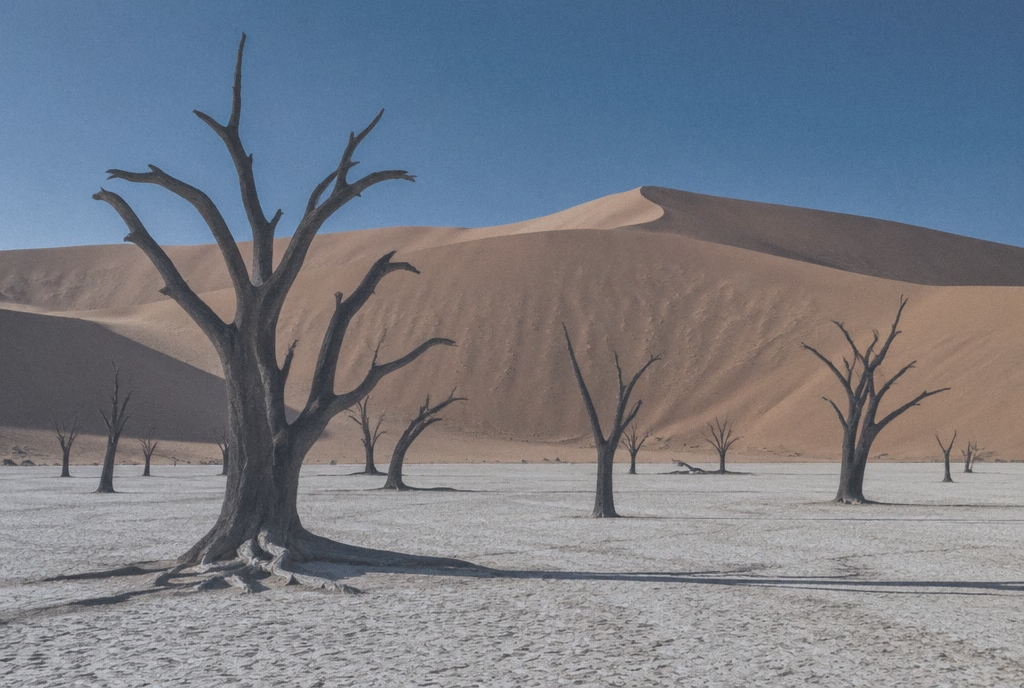
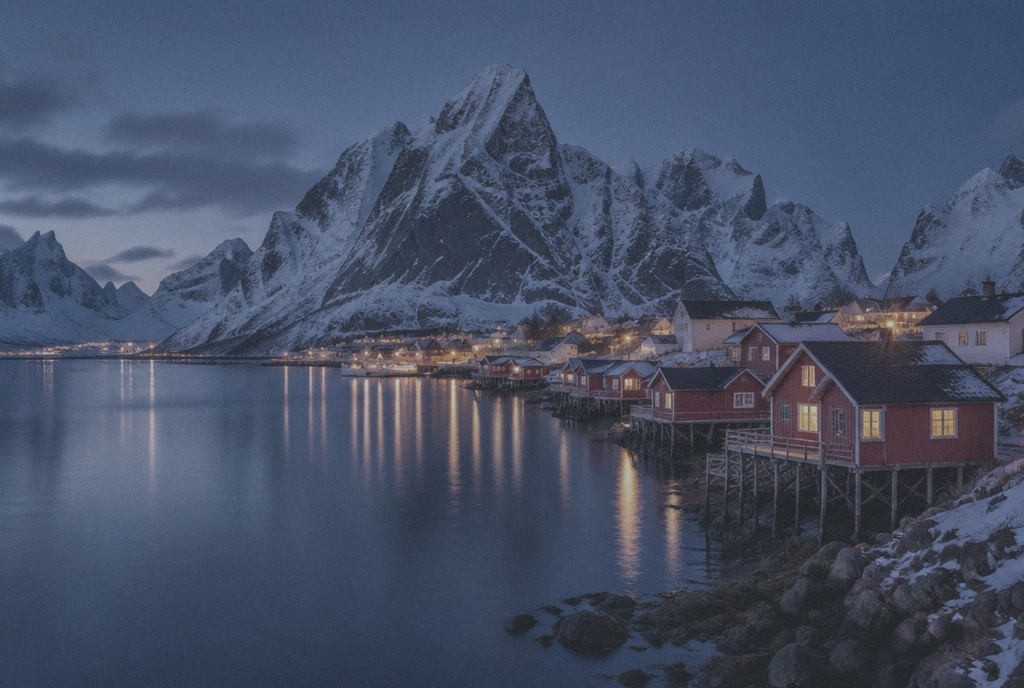
A file straight out of the camera is flat and dull: it’s a negative waiting to be developed. Drag the slider to see what changes, right up to the colour I had in front of me. I lift the haze; I don’t add skies.
The “before” versions are simulated from the finished photo, to show the editing work.
Selection
I look at all the frames from a trip side by side, as on a contact sheet, and circle the ones that stand on their own. The rest stay in the archive.
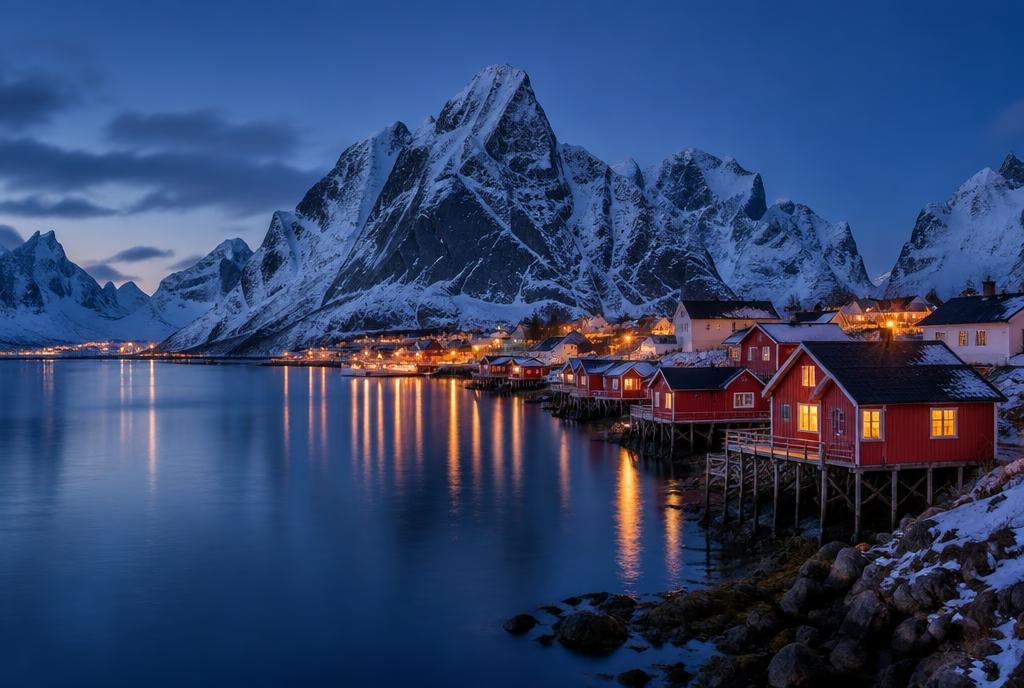
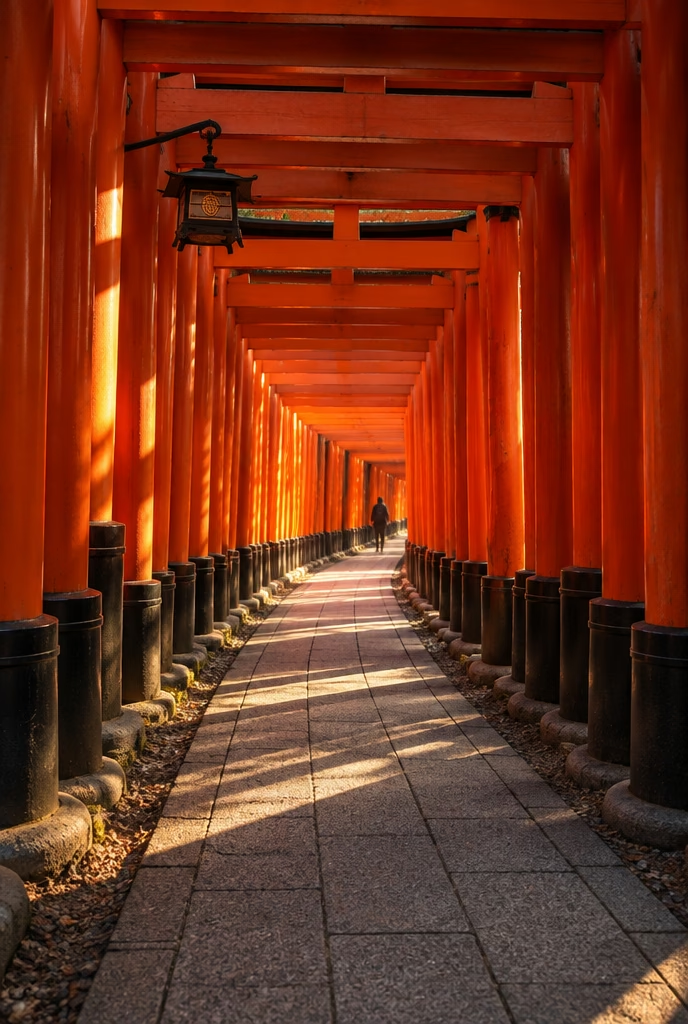
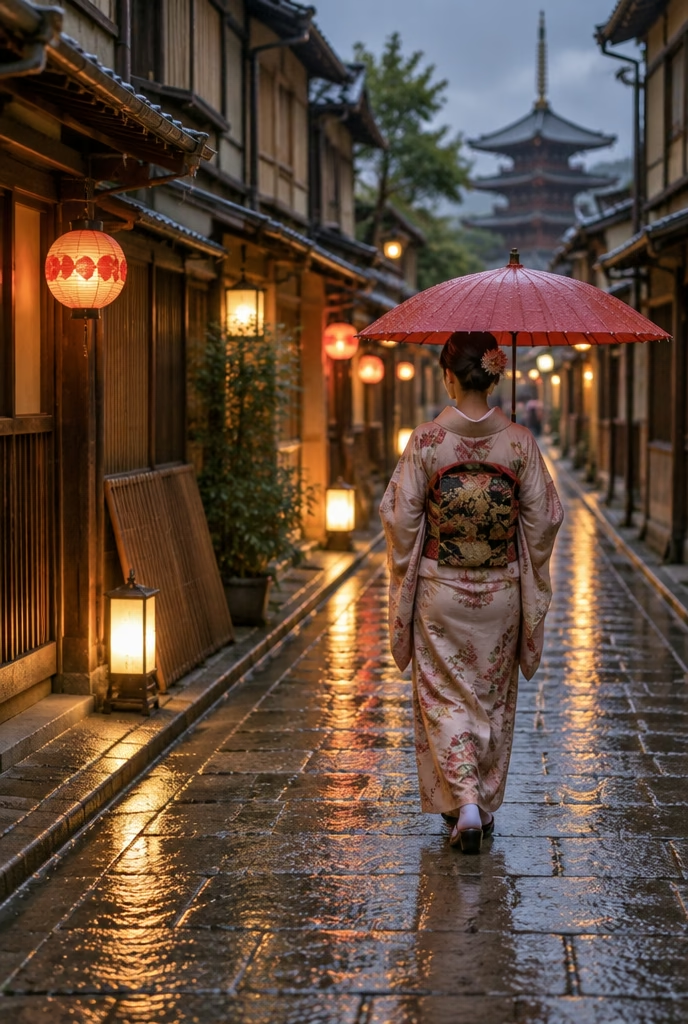
Kyoto, Tokyo (Japan), November 2024: 8 frames. Circled: the ones I picked.
Software
Planning, selection, editing, delivery and archiving: the programs I use every week and what I use them for.
Planning
I work out where the sun, the moon and the Milky Way will rise; on location I check the alignment in augmented reality.
Official website(opens in a new tab)Planning
Photo Ephemeris
On the map I can see where the sun and the moon rise and set, day by day, before I even leave.
Official website(opens in a new tab)Planning
I study gradients, trails and viewpoints, and measure the distance from the car park to the shooting spot.
Official website(opens in a new tab)Video
DJI
The app I fly my DJI drones with: I frame the shot and adjust the exposure while watching the live view.
Official website(opens in a new tab)Cataloguing and culling
Camera Bits, Inc.
The same evening I offload the cards onto two drives at once and make the first selection, even from thousands of files.
Official website(opens in a new tab)Editing and retouching
Adobe
My archive and my digital darkroom: this is where I make the second selection, process the RAW files and prepare prints.
Official website(opens in a new tab)Editing and retouching
Capture One
For interiors and hotels I shoot tethered to the laptop: the client sees every frame as we build it.
Official website(opens in a new tab)Editing and retouching
DxO
High-ISO night RAW files go through it before Lightroom: DeepPRIME removes the noise and keeps the detail.
Official website(opens in a new tab)Editing and retouching
Sony
I merge Pixel Shift files for the largest prints and, when needed, shoot remotely from the computer.
Official website(opens in a new tab)Editing and retouching
Adobe
I only open it to remove distractions, such as a cable or a sign, and for the finest masks. I don’t add skies.
Official website(opens in a new tab)Editing and retouching
Topaz Labs
I rarely use it: to upscale a tight crop or to reduce noise in a file meant for a large print.
Official website(opens in a new tab)Video
Blackmagic Design
I edit the short clips from the A7S III, the drones and the Pocket 3, and colour-grade them.
Official website(opens in a new tab)Delivery
I deliver private, password-protected galleries and show new clients complete jobs to browse.
Official website(opens in a new tab)Backup and archiving
Backblaze, Inc.
Every night the NAS copies the archive here: it’s the copy far from home, in case anything ever happens at the studio.
Official website(opens in a new tab)In short
The same evening
Three copies before I leave the location: the cards, the laptop and a drive that travels in a different bag.
Read this stage in full2–6 weeks after
A private online gallery, high-resolution files and, if you like, an album or a print prepared by me.
Read this stage in fullNow booking for 2027: write to me about dates
I reply within 24 hours, Monday to Saturday